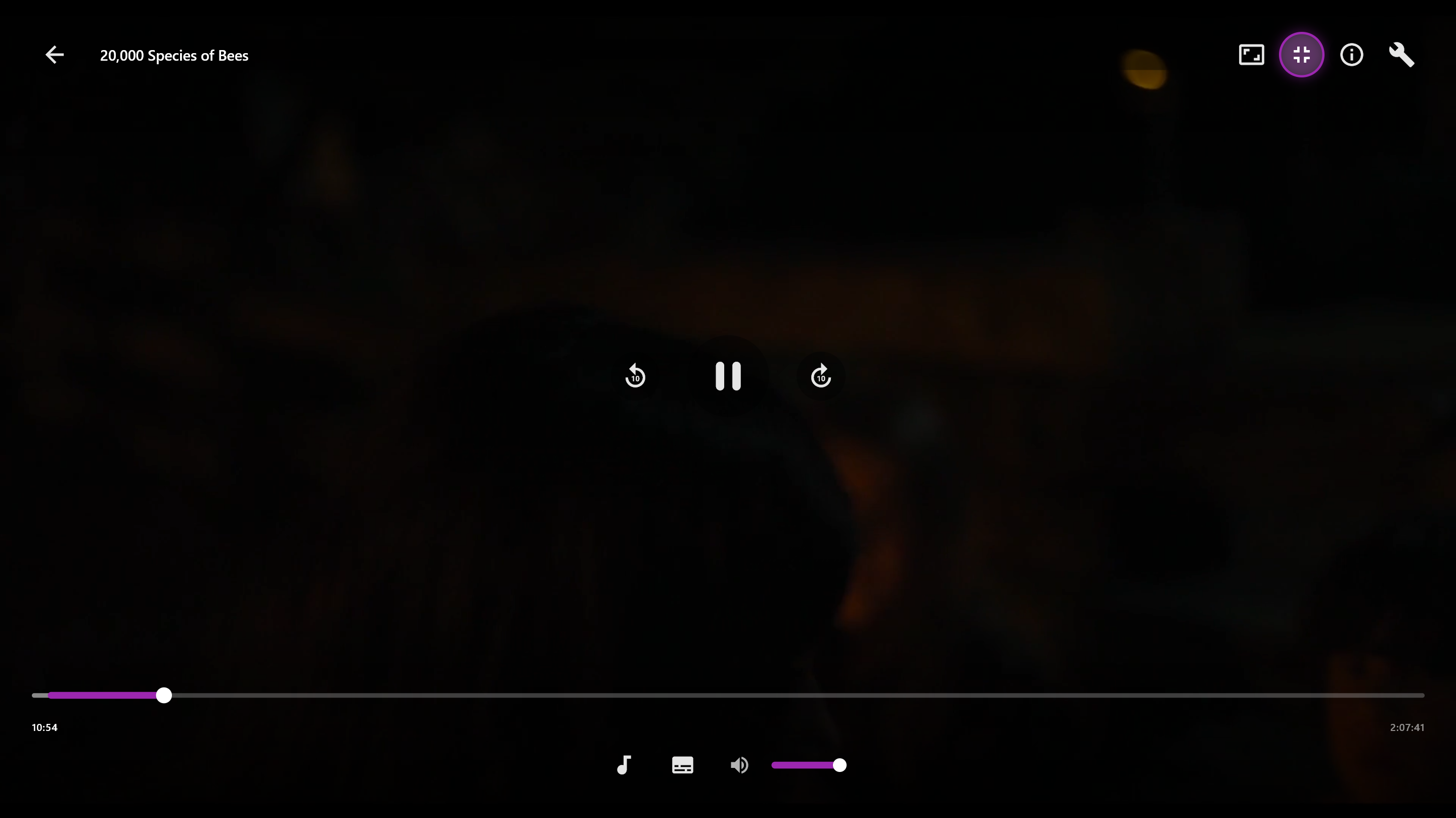
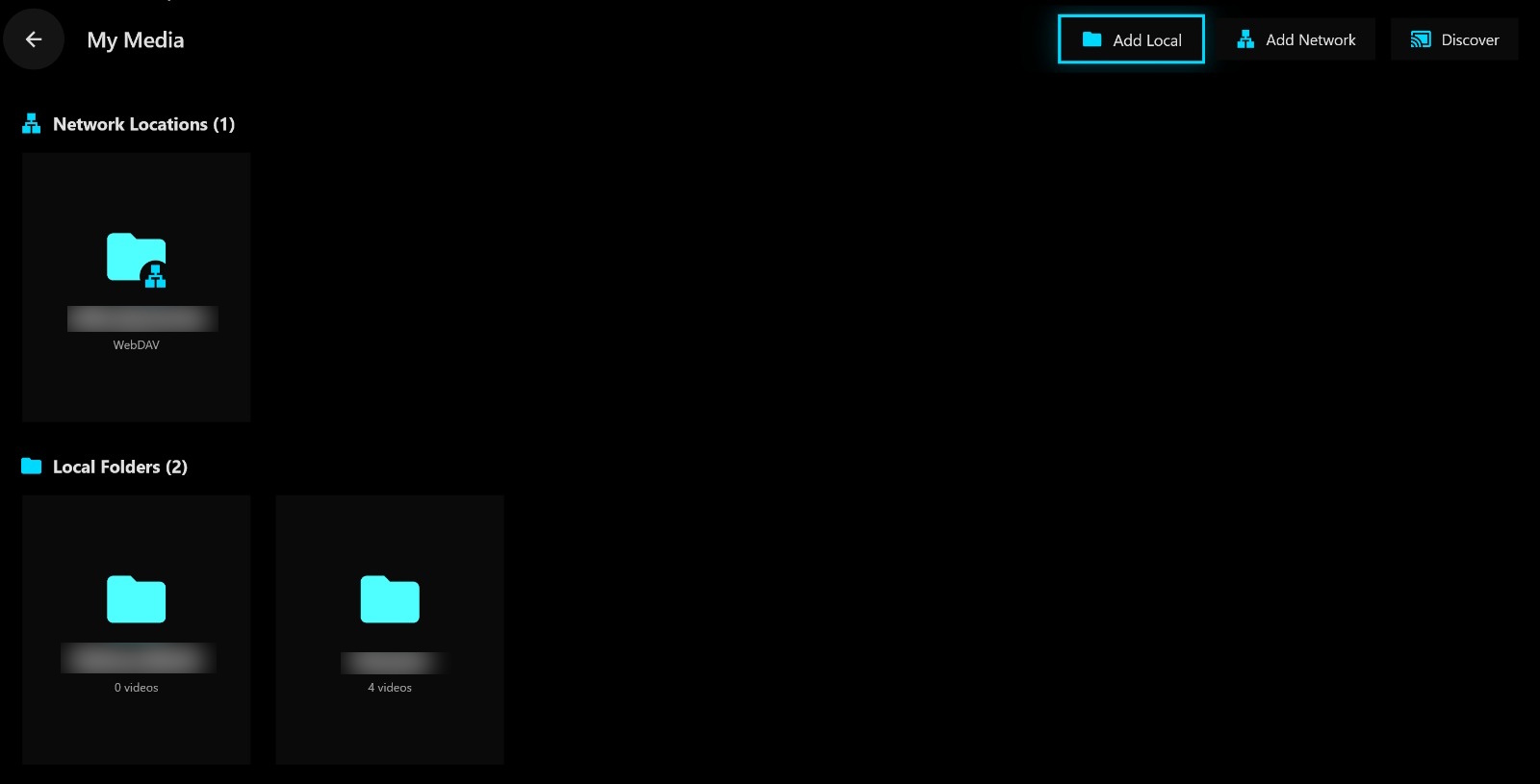
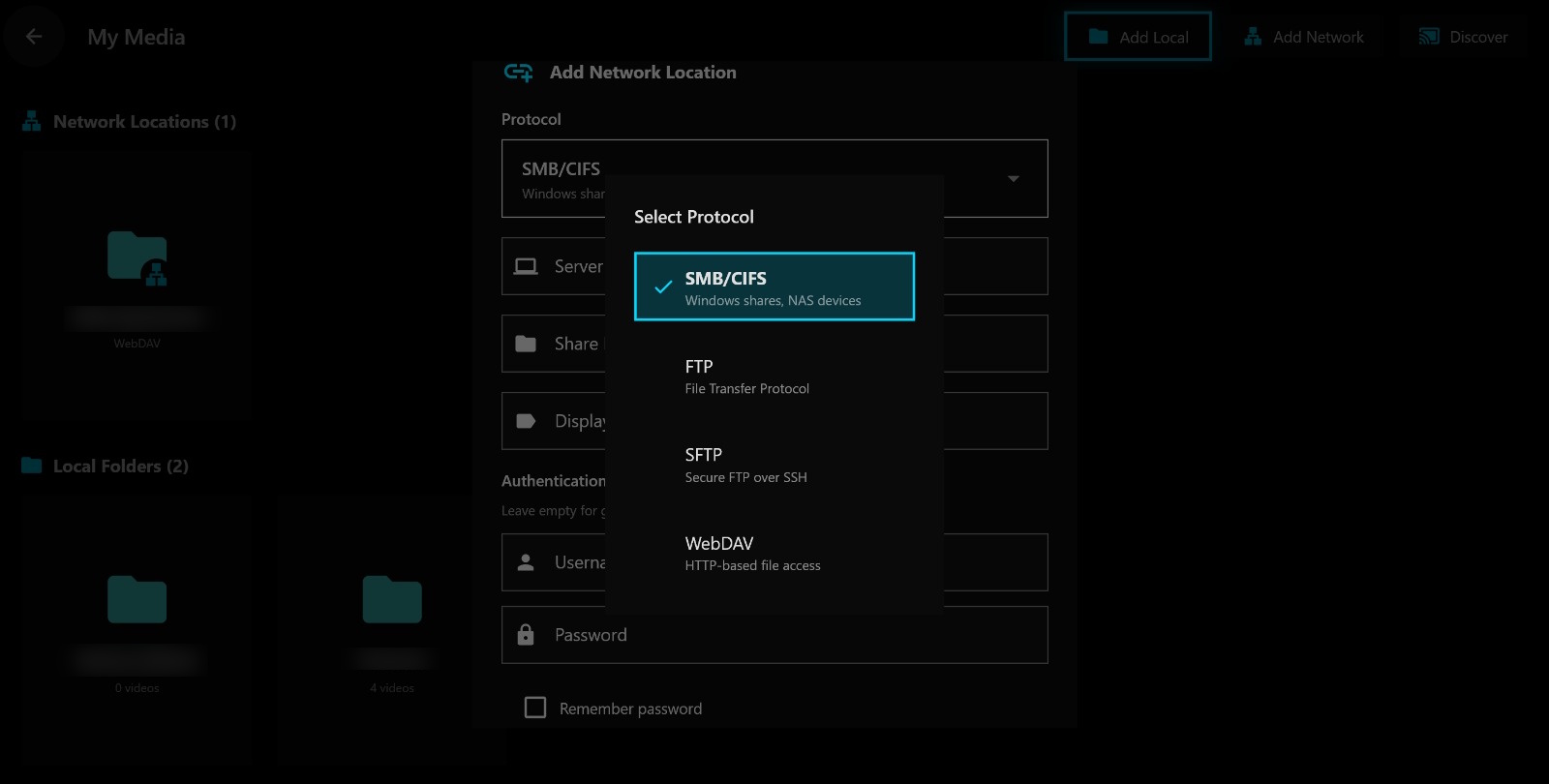
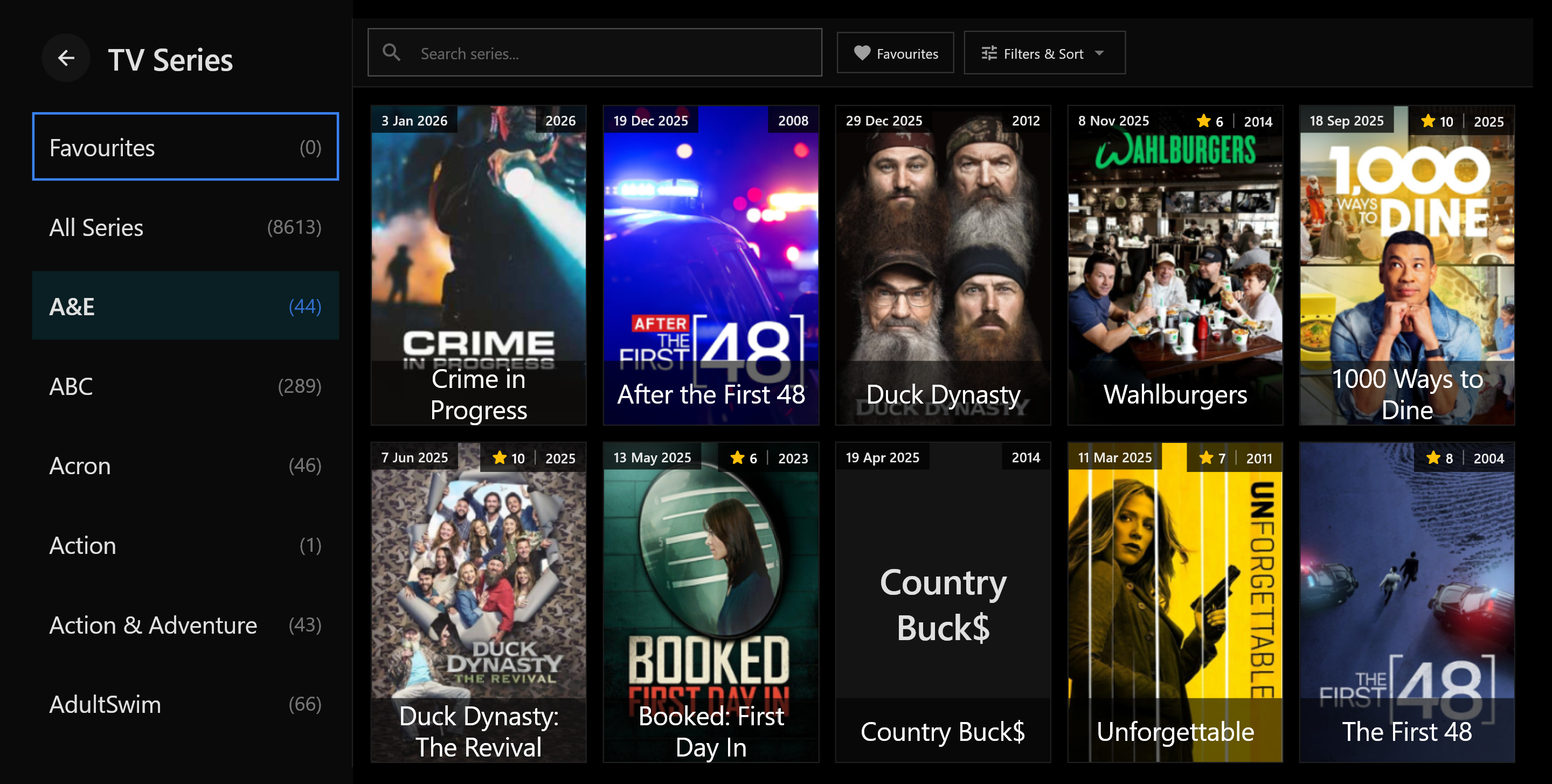
Experience premium IPTV streaming with Streamiflow. Watch Live TV, Movies, and Series on your favorite devices with a beautiful, remote-friendly interface.
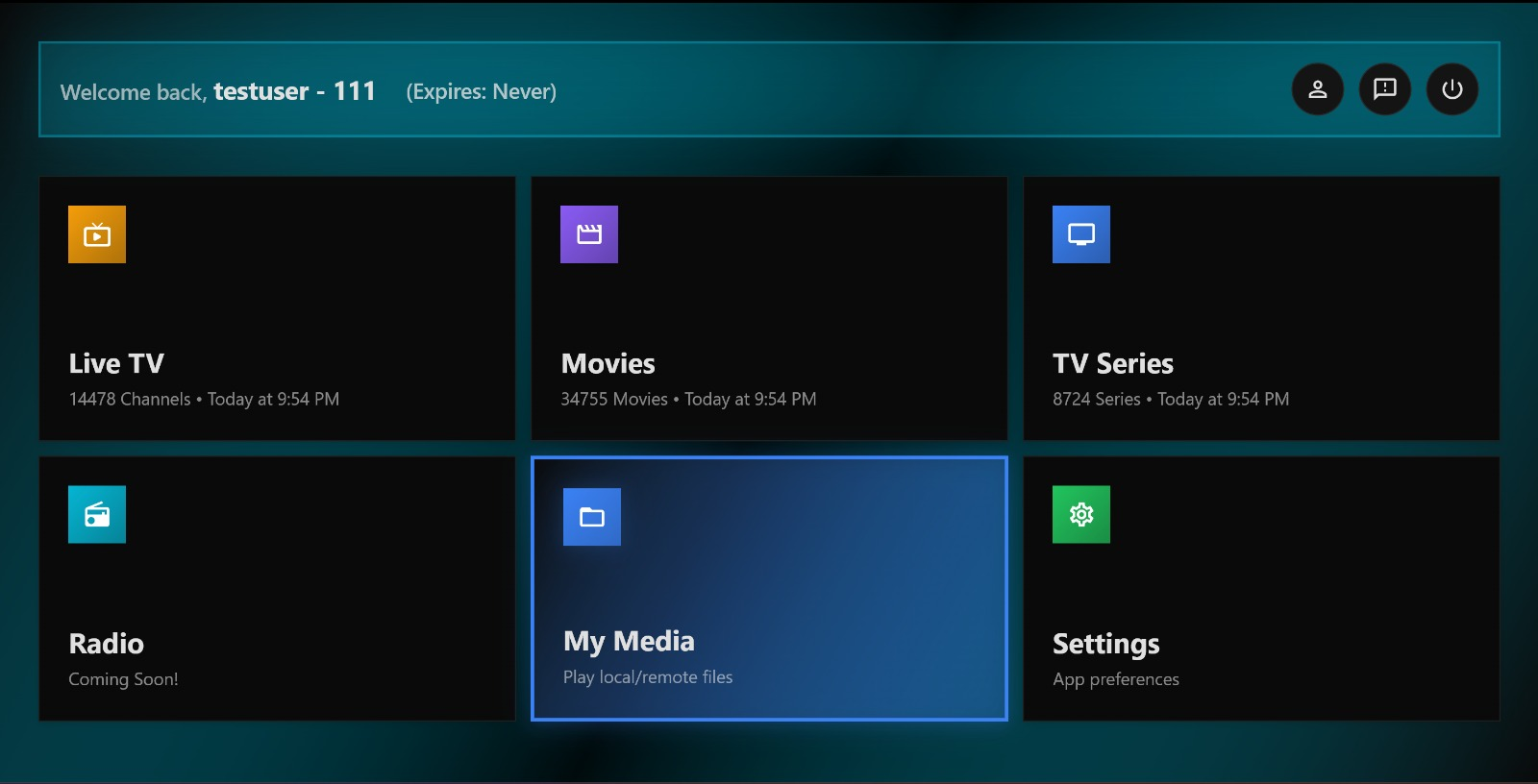
Streamiflow delivers a premium streaming experience with powerful features designed for your TV.
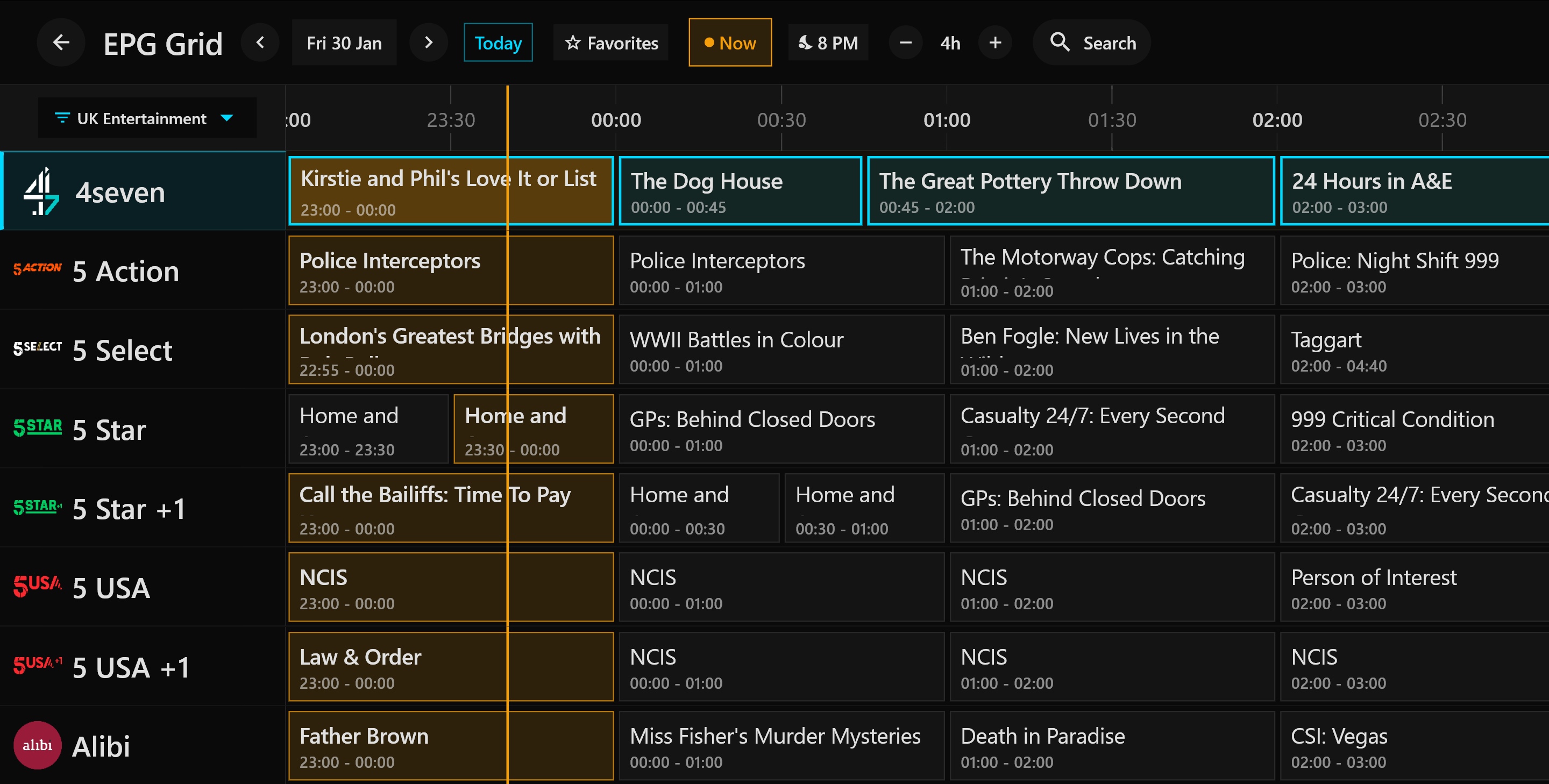
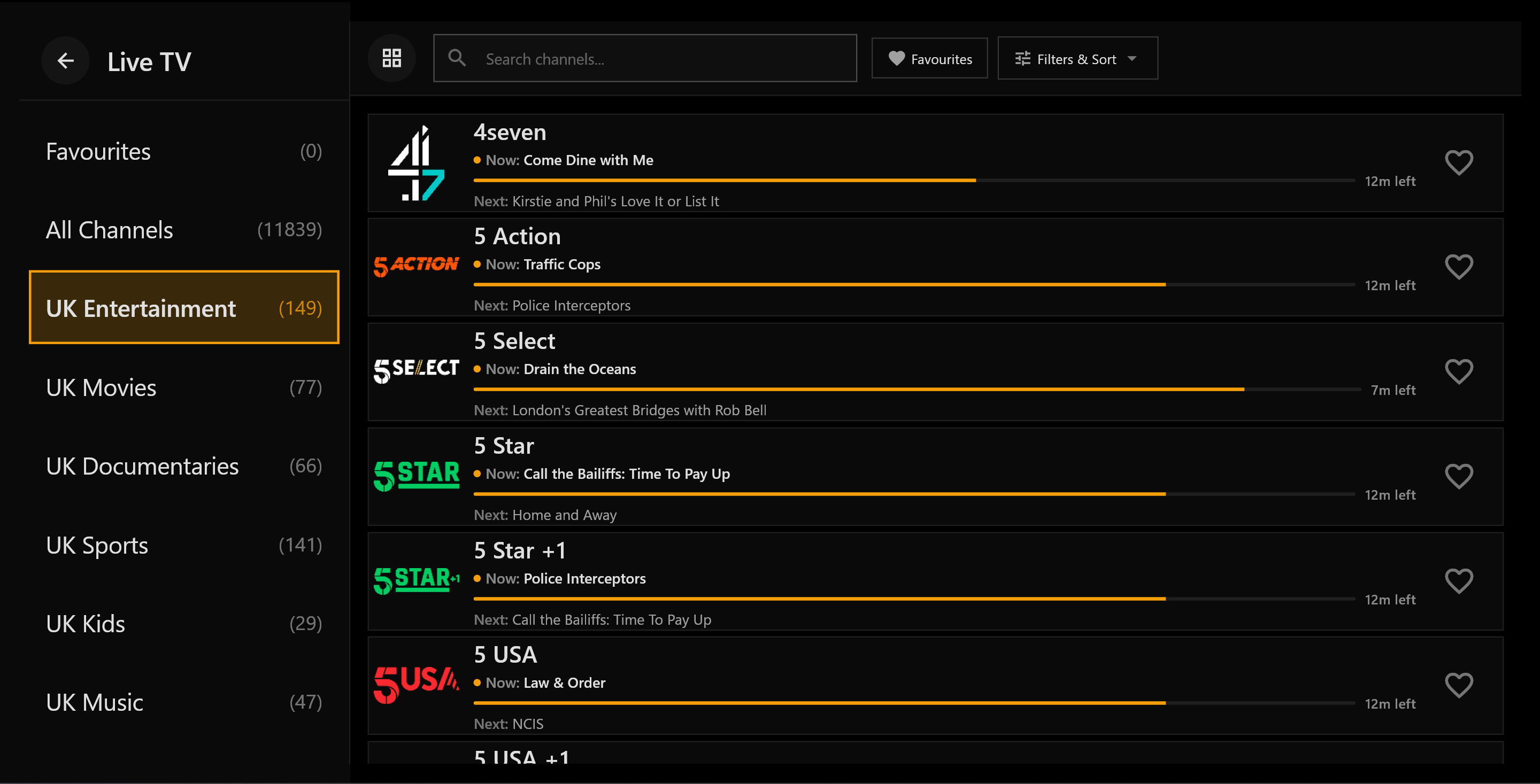
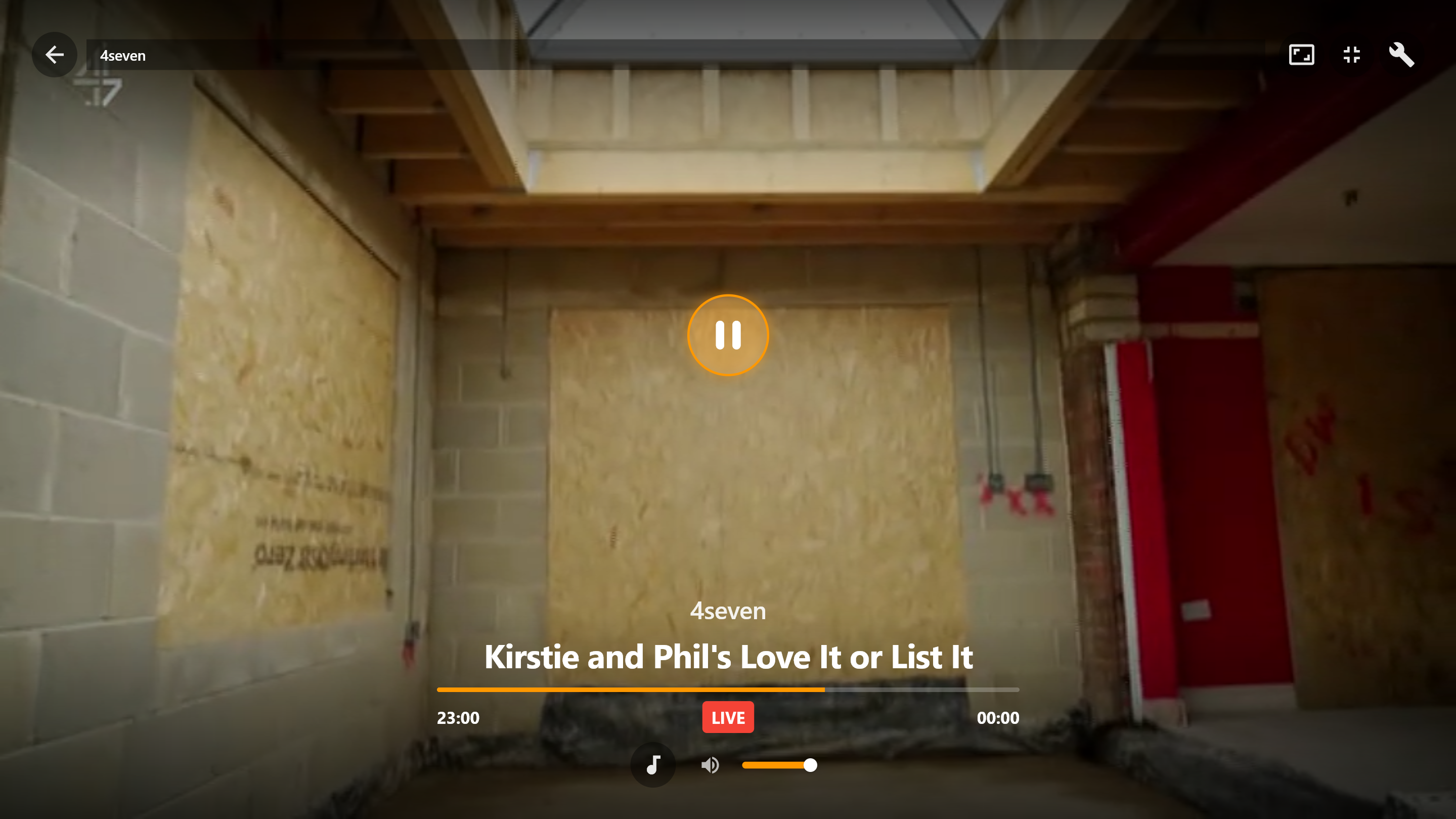
Watch live channels in real-time with an integrated EPG guide. Never miss your favorite shows.
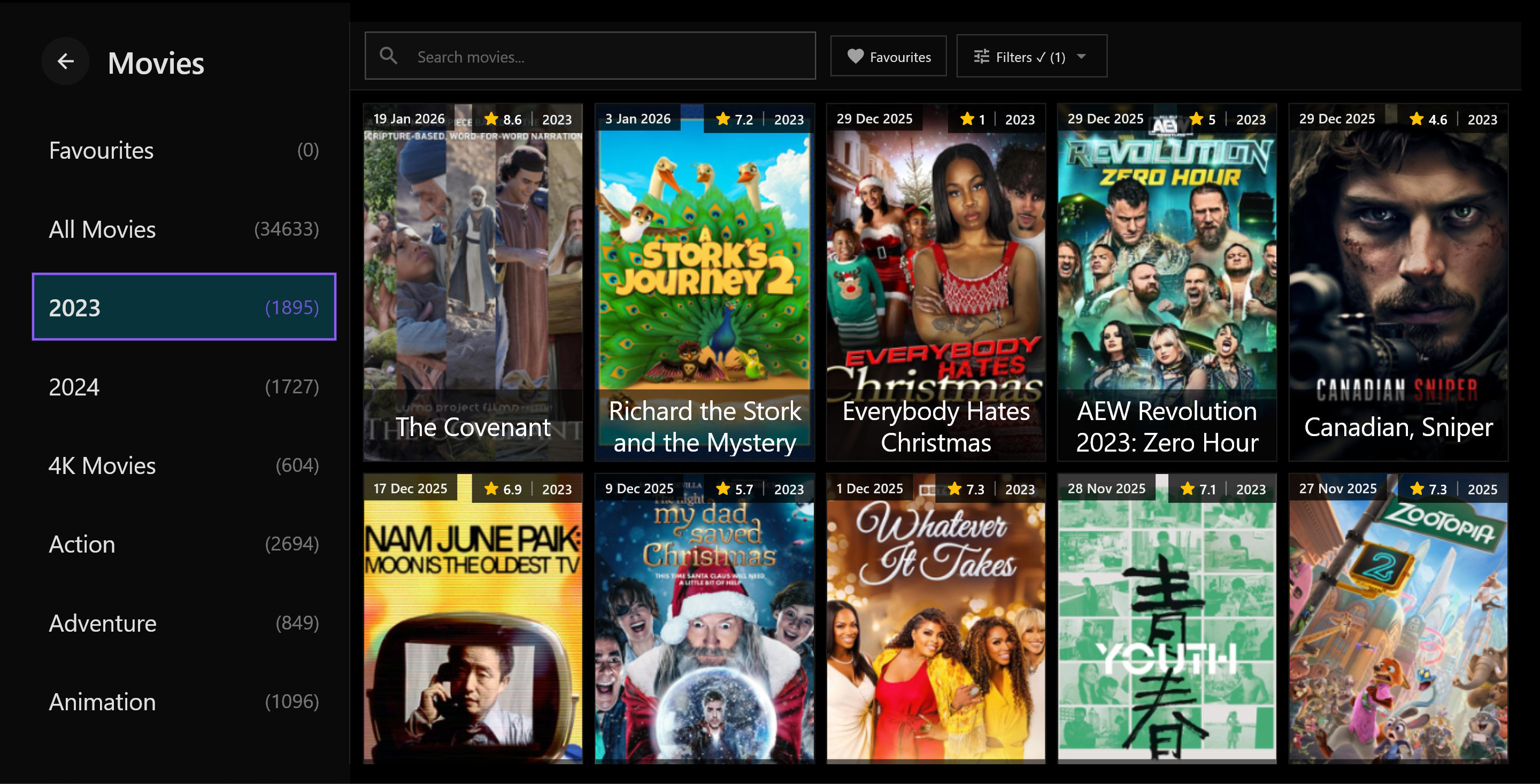
Access a vast library of on-demand movies with detailed information, ratings, and trailers.
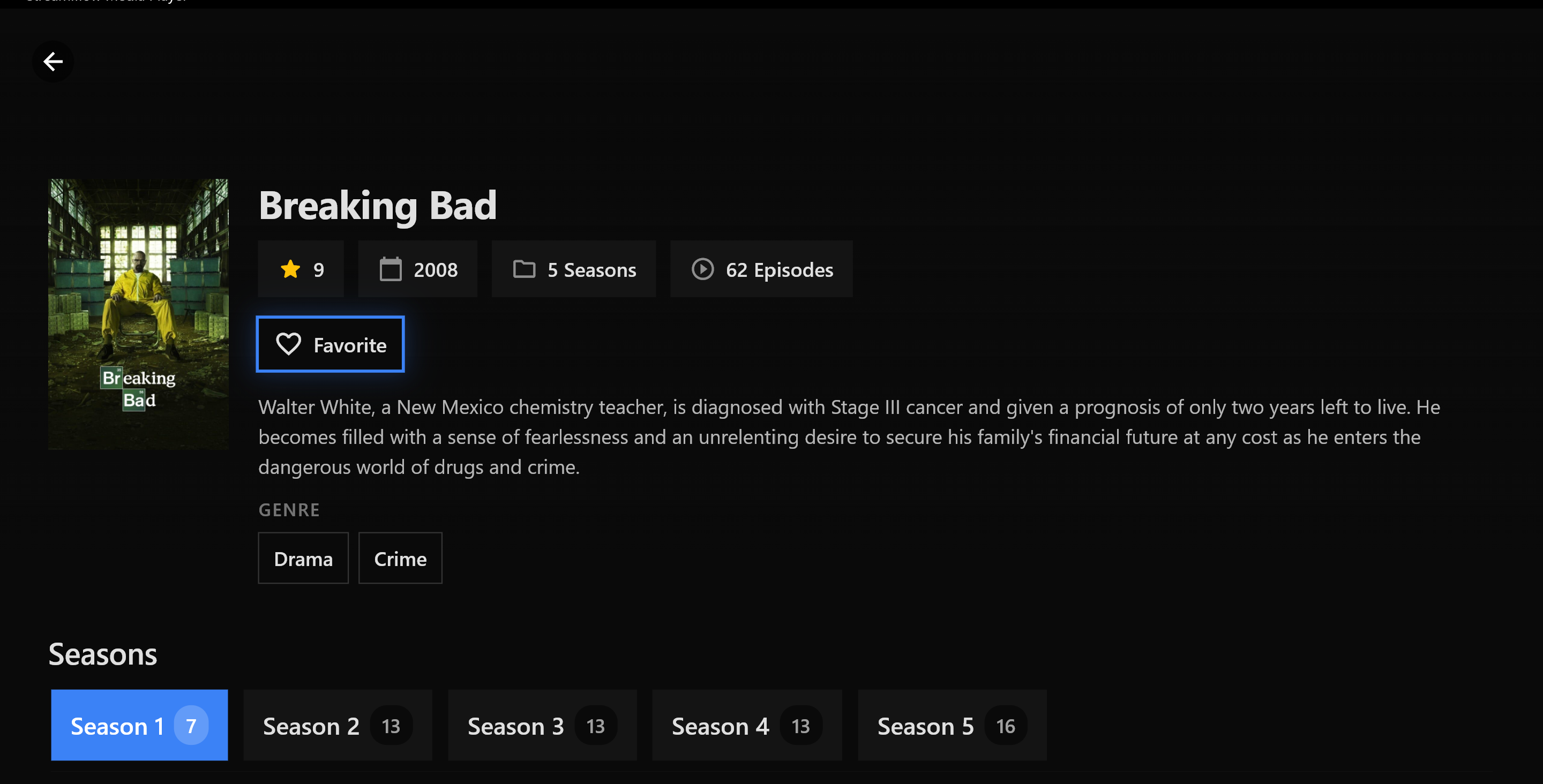
Binge your favorite series with episode tracking and seamless season navigation.
Fully optimized for D-pad navigation. Control everything with your TV remote effortlessly.
Choose from Midnight, Obsidian, Aurora, Arctic, Ember, Forest, Ocean, and Royal themes.
Works on Fire TV, Mi Box, Android TV, phones, tablets, Windows, macOS, and more.
Download Streamiflow on your preferred platform and start streaming instantly.
Follow our step-by-step video guides to get Streamiflow running on your device in minutes.
Fire TV Setup Video
Replace with your video in index.htmlGo to Settings → My Fire TV → Developer Options → Install unknown apps → Turn ON for Downloader
Search for "Downloader" in the Amazon App Store and install it
Open Downloader and enter the APK download URL provided to you
Install the APK when prompted and launch Streamiflow. Enter your credentials to start streaming!
Mi Box Setup Video
Replace with your video in index.htmlGo to Settings → About → Build number → Click 7 times to enable Developer mode
Settings → Device Preferences → Security → Unknown sources → Enable
Download "File Commander" or "X-plore" from Play Store for easy file management
Use the browser to download the APK, then install using your file manager. Launch and enjoy!
Got questions? We've got answers. Find solutions to common questions below.
Streamiflow supports a wide range of devices including Amazon Fire TV (Stick, Cube, TV Edition), Xiaomi Mi Box, Android TV devices (Nvidia Shield, Sony, TCL, Hisense), Android phones and tablets, iOS devices (iPhone, iPad), Windows, macOS, and Linux computers.
Streamiflow is an IPTV player app. To use it, you need a valid IPTV subscription from your service provider. The app itself provides the interface to enjoy your subscription content on your preferred devices.
Streamiflow supports multiple login methods: Xtream Codes API (username, password, server URL), M3U playlist URL, or Activation Code. Simply launch the app and choose your preferred method to enter your subscription credentials.
Yes! Streamiflow is fully optimized for D-pad navigation. You can control the entire app using your Fire TV remote, Mi Box remote, or any standard TV remote with directional buttons. The interface is specifically designed for comfortable TV viewing from your couch.
Streamiflow supports all major video formats and codecs including H.264, H.265 (HEVC), MPEG-2, MPEG-4, VP9, and more. It also supports various audio codecs like AAC, AC3, EAC3, DTS, and Dolby Audio.
Go to Settings → Appearance → Theme and choose from 8 premium themes: Midnight (default), Obsidian (AMOLED), Aurora (vibrant purple), Arctic (light mode), Ember (warm orange), Forest (nature green), Ocean (deep blue), and Royal (purple & gold).
Download Streamiflow now and experience premium IPTV on your favorite device.